
Key takeaways
- ChatGPT and Gemini for quick custom images. Both create and edit images through conversation. ChatGPT Go costs $8 per month in the US, and Gemini includes image generation on its free plan.
- Canva for finished marketing graphics. It combines generation, background removal, resizing, and layout in 1 editor. Pro costs $18 per month.
- Adobe Firefly for commercially safe campaign images. Adobe describes its own Firefly models as commercially safe. Standard costs $9.99 per month.
- Ideogram for text inside images. It suits ad creatives and banners with a headline or price in the picture. Plus costs $20 per month.
- Photoroom for product photos. It removes backgrounds, builds AI backgrounds, and edits in batches. Pro costs $12.99 per month.
- Check the license before you publish. Photoroom, Midjourney, and Magnific tie commercial use to paid plans, and Leonardo AI makes free-plan creations public.
How we compared the tools: each tool is compared on the same 3 points: what it does best, what its cheapest paid monthly plan costs, and what its license allows. Features and license terms come from the vendor's own pages and terms, and each price links to the vendor's pricing page.
What marketers need from AI image tools
Marketers use AI image tools for 6 jobs: social graphics, ad creatives with text, product images, blog and email headers, brand-consistent sets, and channel sizes.
AI image generation means creating an image from a written description, and most tools in this guide also edit an existing image.
The tools differ in which of these jobs they cover, so each section matches a task to the tools that handle it.
The 9 tools at a glance
This table lists the cheapest paid monthly plan for each tool and whether a free plan exists. Each price is a monthly plan as of October 2026 and links to the vendor's pricing page. Commercial license terms get their own table further down.
| Tool | Best for | Cheapest paid plan (monthly) | Free plan |
|---|---|---|---|
| ChatGPT | Custom images through conversation | Go, $8 (US price) | Yes, with limited image creation |
| Google Gemini | Image generation and editing on the free plan | Google AI Plus, $4.99 (US price) | Yes, image generation and editing included |
| Canva | Finished graphics, cutouts, and resizing | Pro, $18 | Yes, with limited AI use |
| Adobe Firefly | Commercially safe campaign images | Standard, $9.99 | Yes, with limited access |
| Midjourney | Hero images | Basic, $10 | None |
| Leonardo AI | Custom brand styles | Essential, $12 | Yes, 150 tokens a day, creations are public |
| Photoroom | Product photos: cutouts, AI backgrounds, batch edits | Pro, $12.99 | Yes, personal and non-commercial use only |
| Ideogram | Readable text inside images | Plus, $20 | Yes, weekly credits for eligible accounts |
| Magnific (formerly Freepik) | Image tools plus many models in 1 platform | Premium, $20 | Free accounts are for personal use only |
The 9 tools reviewed
Each review covers what the tool does for marketing images, what its cheapest monthly plan costs, and where it falls short.
1. ChatGPT
Best for quick custom imagesChatGPT creates images from a written description, then adjusts them when you reply with changes. For marketers, that suits blog headers, social graphics, and concept images that take a few messages to refine.
It creates images, not page layouts, so the image still goes into a layout tool before it reaches an ad or a page. OpenAI's terms of use say you own the output and assign you its rights.
OpenAI lists Go at $8 per month in the US and says pricing is localized in some markets. It says Go gives 10 times more messages, file uploads, and image creation than Free, and it has announced ad testing on Free and Go.
Pros
- Edits an image through conversation
- OpenAI's terms say you own the output
Cons
- No templates or layouts
- Free and Go plans may show ads
- Image limits depend on the plan
2. Google Gemini
Best for free image generationGemini is Google's AI assistant, and image generation and editing are included on its free plan. Google calls its image model Nano Banana.
Google AI Plus gives 2 times the usage limits of Free, and Google AI Pro gives 4 times. Google says usage limits depend on the complexity of your prompt, the features you use, and the length of your chat, so it publishes no fixed image count.
Google's Terms of Service say Google won't claim ownership over content generated with its AI.
Pros
- Image generation and editing included on the free plan
- Plans raise usage limits 2 times and 4 times above Free
Cons
- Google publishes no fixed image limit
- Prices vary by country
- Paid plans bundle other Google features, so the price covers more than images
3. Canva
Best for finished graphicsCanva is a design editor with built-in AI, so image generation, background removal, resizing, and page layout happen in 1 place. That makes it the tool where generated images become finished marketing graphics.
A Brand Kit stores your fonts, colors, and logos, so each new graphic starts on-brand. Pro is the plan for 1 person, and the AI allowance depends on the plan you choose.
Pros
- Generation, cutouts, resizing, and layout in 1 editor
- Brand Kit for fonts, colors, and logos
Cons
- Pro is priced for 1 person
- AI use is capped by a monthly allowance that depends on the plan
4. Adobe Firefly
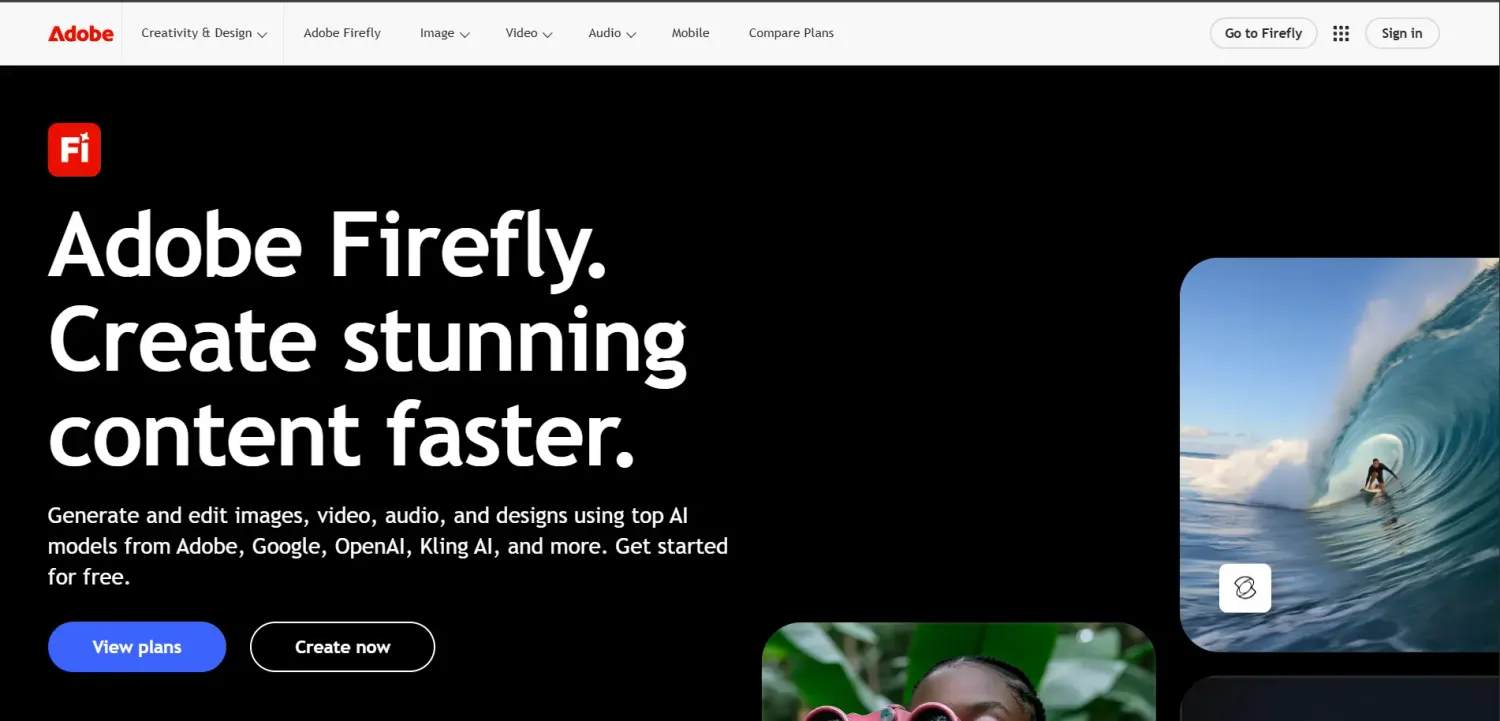
Best for commercially safe campaign imagesAdobe Firefly is Adobe's AI creation app for images, video, audio, and vectors. Adobe describes its own Firefly models as commercially safe for brand and marketing work, which is why it suits images that go into paid campaigns.
All paid plans include unlimited standard image features: Generate Image, Generative Fill, Generative Expand, and Text to Vector. Generative Expand extends the canvas, which helps when an image needs empty space for a headline. Results can go straight into Adobe Photoshop or Adobe Express for more edits.
Firefly also offers models from other companies, such as Google, next to Adobe's own. Adobe's commercial-safety statement refers to its own models, so check which model you pick before an image goes into a campaign.
Pros
- Unlimited standard image features on every paid plan
- Generative Fill and Expand for editing around a real photo
- Results open in Photoshop and Adobe Express
Cons
- Credits cover premium features such as video and audio
- Credits reset each billing cycle and do not roll over
- The commercial-safety statement refers to Adobe's own models
5. Midjourney
Best for hero imagesMidjourney generates images from text prompts, which suits hero images for landing pages and campaigns where the look matters more than exact control. It has no layout tools, so headlines and page layouts are added in another tool.
Plans differ by Fast GPU time. Basic includes 3.3 hours a month, and extra Fast GPU time costs $4 per hour. Relax Mode with unlimited images starts on Standard, and Stealth Mode, which keeps images private, is only on Pro and Mega.
A company making more than $1,000,000 in gross revenue per year must buy Pro or Mega.
Pros
- Relax Mode with unlimited images on Standard, Pro, and Mega
- Stealth Mode keeps images private on Pro and Mega
Cons
- No free plan, so testing costs money
- Basic has no Relax Mode
- No layout tools
6. Leonardo AI
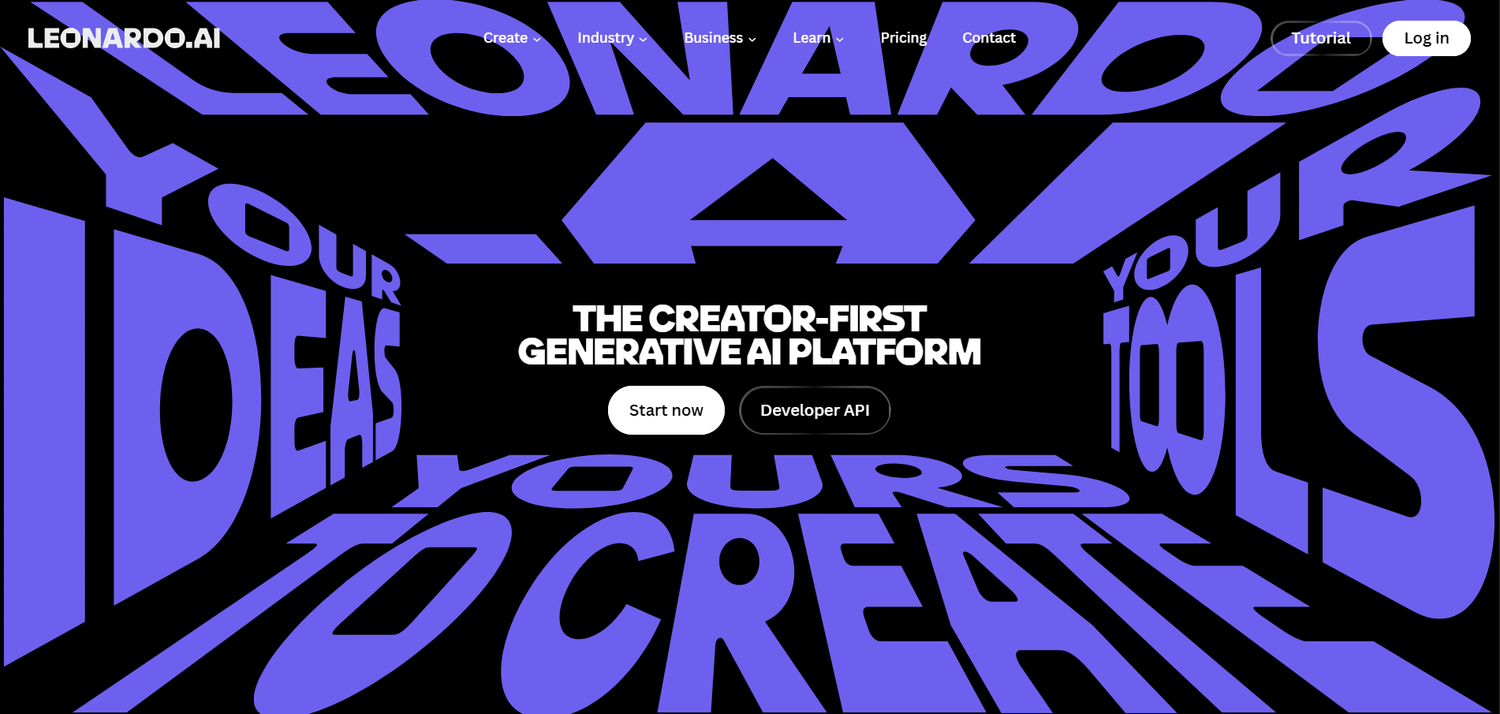
Best for custom brand stylesLeonardo AI is an image generation platform with its own models and models from other providers. It also includes a Background Remover, Image Upscaler, and Image Editor, and its site lists a Banner Generator and a Social Media Post Generator for marketing work.
The feature that helps marketers keep a consistent look is custom model training. Leonardo says you upload a small set of images, typically 10 to 20, to train a model that recreates a specific style, theme, or subject. Essential includes 10 personal AI models a month, and Premium includes 20.
Paid subscribers keep full ownership of the images they generate, and paid creations are private. Free-plan creations are public, Leonardo holds rights to them, and you get a non-exclusive license for commercial use.
Pros
- Train a personal model on 10 to 20 of your own images
- Background Remover, Upscaler, and Editor included
- Paid plans keep creations private and give you full ownership
Cons
- Free-plan creations are public
- Models from other providers use tokens every time
- Unlimited relaxed generation starts on Premium and covers select models only
7. Photoroom
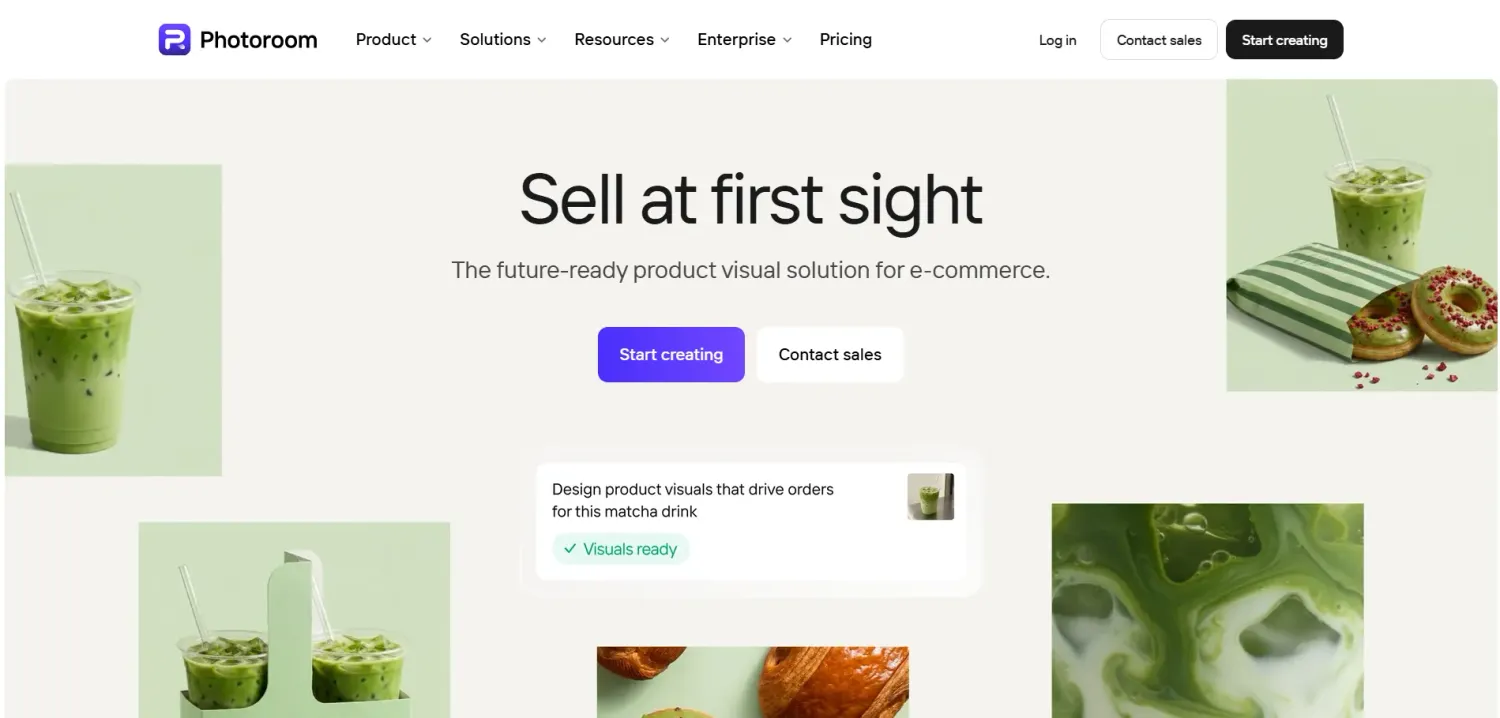
Best for product photosPhotoroom is an AI photo editor built for product photography. Its tools include a Background Remover, Background Generator, Product Staging, AI Shadows, Remove Objects, and Resize, plus Batch Processing for editing many photos in 1 run.
For ecommerce and ad creatives, the useful workflow is a cutout followed by a new background: remove the background from a real product photo, then place the product on a generated scene or a plain white backdrop. Photoroom also has a Brand Kit that stores fonts, logos, and colors.
On paid plans, core tools such as Background Remover, AI Fill, and AI Expand and Resize cost no credits, while AI Backgrounds Studio and Edit with AI draw from a monthly credit pool. Free accounts are licensed for personal, non-commercial use only, so any image that sells needs a paid plan.
Pros
- Built for product photos, not general art
- Core tools such as Background Remover and AI Fill cost no credits on paid plans
- Batch Processing for large catalogs
Cons
- Free accounts are limited to personal, non-commercial use
- AI Backgrounds Studio and Edit with AI use the monthly credit pool
- Pro includes 1,000 exports a month
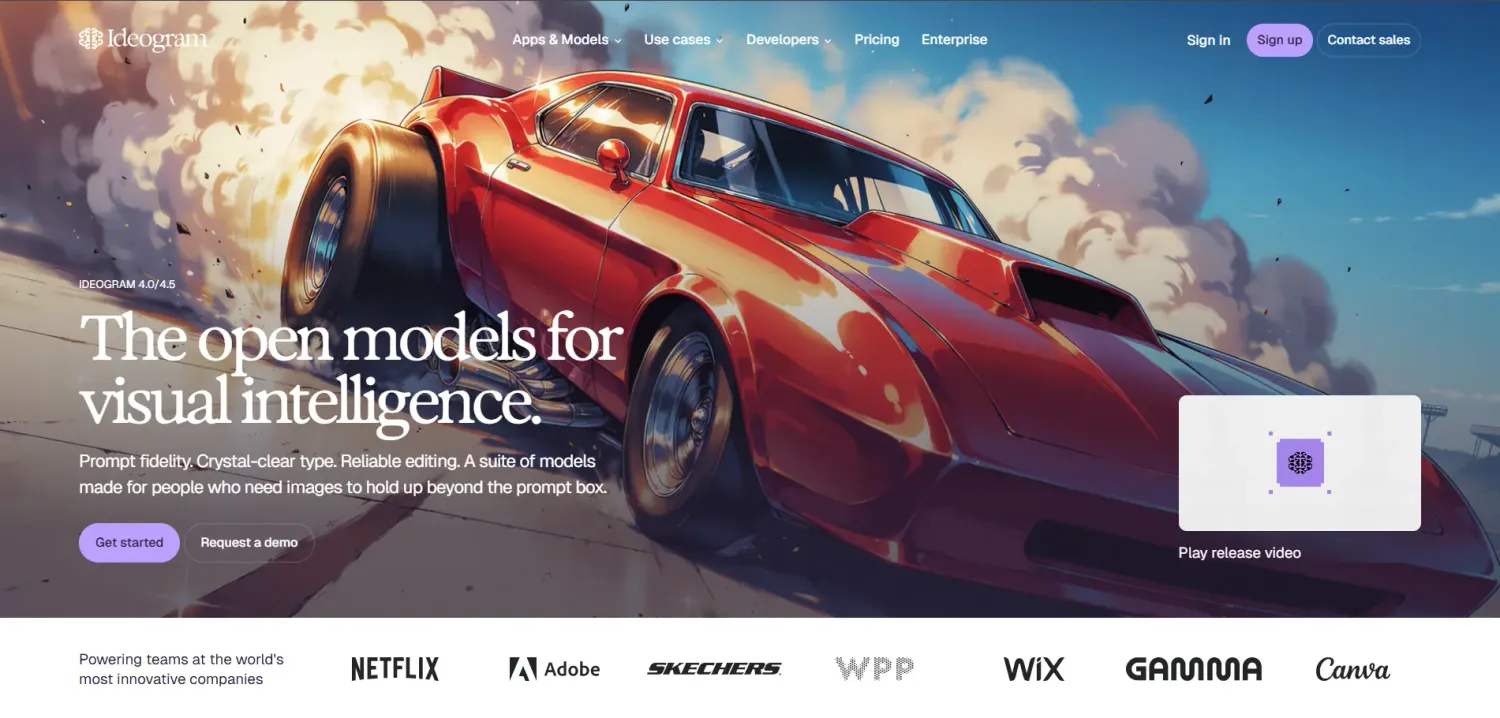
8. Ideogram
Best for text inside imagesIdeogram is an image generator known for rendering readable text, which suits ad creatives, banners, and cover images that carry a headline or price.
Its site also lists apps for Ad Resizer, Background Remover, Object Remover, Colorways, and Material Swap, which cover several marketing image tasks without another subscription.
Ideogram's terms say it claims no ownership of generated images and that you can use them for any purpose, including commercial use. Free-plan images are published to the community gallery by default, and private generation starts on Plus.
Pros
- Built around legible in-image text
- Background removal and ad resizing apps included
- Plus adds private generation and unlimited slow credits
Cons
- Proofread every word of generated text
- AI editing and Image Reference need priority credits and are not available in the slow queue
- No discounts or free trials on subscription plans
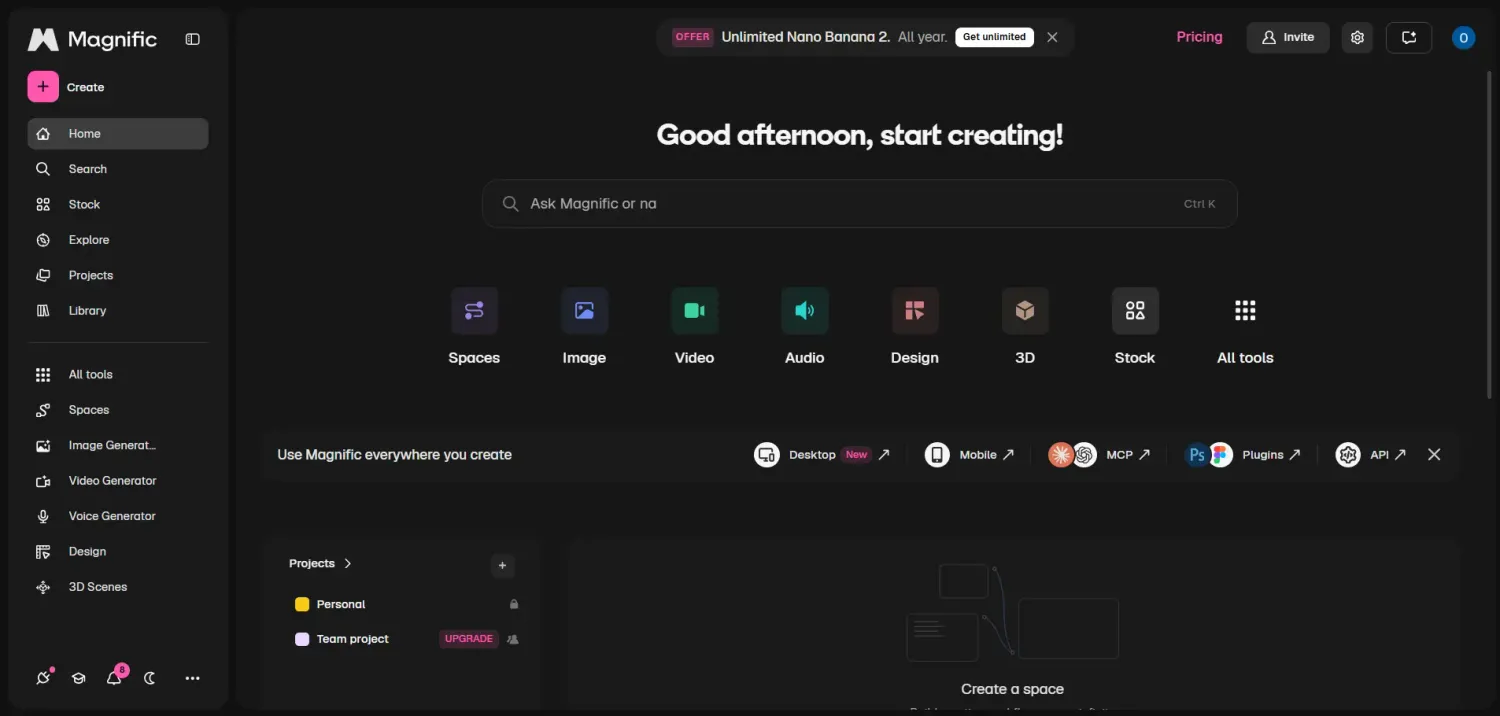
9. Magnific (formerly Freepik)
Best for image tools plus modelsMagnific is the new name for Freepik's AI platform. It brings image, video, and audio models together in 1 place, with image tools that include a Background Remover, Image Extender, Relight, Change Camera, Mockup Generator, and Icon Generator.
It also includes an Image Upscaler and Spaces, a shared canvas for building workflows. The pricing page lists each model's credit cost and marks some models as unlimited on higher plans.
Paid plans include a commercial AI license, and free accounts are licensed for personal use only. On a monthly plan, credits reset every month and do not roll over.
Pros
- Image, video, and audio models in 1 platform
- Background Remover, Relight, Image Extender, and Mockup Generator included
- Commercial AI license on every paid plan
Cons
- Credits are metered by model and tool
- Free accounts are limited to personal use
- Credits do not roll over
Which tool for which task
If you already know the task, start here. Each top pick was chosen based on the features listed on the vendor's page, and the last column lists tools that do the same task.
| Task | Top pick | Also worth a look |
|---|---|---|
| Social graphic with no text | Google Gemini | ChatGPT, Leonardo AI, Midjourney |
| Ad creative or poster with a headline | Ideogram | Canva, ChatGPT |
| Product photo on a clean background | Photoroom | Canva Pro, Leonardo AI Background Remover, Magnific |
| Product in a lifestyle scene | Photoroom (Background Generator and Product Staging) | Adobe Firefly Generative Fill, Magnific Image Extender and Relight |
| Blog or email header image | ChatGPT | Google Gemini, Midjourney |
| Brand-consistent set of images | Leonardo AI (custom model training) | Canva Brand Kit, Photoroom Brand Kit |
| Image for a paid campaign | Adobe Firefly | Check the license table below for every other tool |
| 1 image resized for every channel | Canva | Ideogram Ad Resizer, Photoroom Resize |
| Hero image for a landing page | Midjourney | Adobe Firefly, Leonardo AI |
Commercial license rules
Commercial rights depend on the plan and, for Adobe Firefly, on the model, so check the row for each tool before an image goes into a paid ad or onto a landing page.
| Tool | Commercial use | Worth knowing |
|---|---|---|
| ChatGPT | You own the output under OpenAI's terms | OpenAI's terms assign you its rights in the output. |
| Google Gemini | Google says it won't claim ownership | Google's Terms of Service say Google won't claim ownership over generated content. |
| Canva | Check Canva's license for AI-generated content | Confirm the license that applies to your plan before an image goes into a paid ad. |
| Adobe Firefly | Adobe describes its own models as commercially safe | The statement refers to Adobe's own models, not models from other companies in Firefly. |
| Midjourney | Allowed with a subscription | Companies above $1,000,000 in gross revenue need Pro or Mega. Private generation starts at Pro. |
| Leonardo AI | Paid plans: you own the images. Free plan: non-exclusive license | Free-plan creations are public, and Leonardo holds rights to them. |
| Photoroom | Paid plans only | Free accounts are licensed for personal, non-commercial use only. |
| Ideogram | Allowed, including on the free plan | Free-plan images are published to the community gallery by default. |
| Magnific | Paid plans only | Free accounts are licensed for personal use only. |
How to write prompts that give usable results
Every detail you leave out is a decision the tool makes for you. A strong prompt covers 5 parts and reads like a brief to a photographer.
| Part | Weak | Strong |
|---|---|---|
| Subject | A bottle | A matte black coffee bag |
| Setting | On a table | On a white marble counter |
| Lighting | Nice light | Soft morning light from the left |
| Style | Professional | Commercial photography, minimal |
| Composition | Wide | Medium shot, high angle, 16:9 |
Use these 4 templates as starting points and replace the brackets with your details.
Mistakes to avoid
These 5 problems come up most often when AI images go into a campaign.
Letting the model redraw your product. A generator that creates the product from a prompt can change the label, shape, or color. Start from a real photo and change only the surroundings, using Photoroom, Adobe Firefly's Generative Fill, or Magnific's Image Extender.
Trusting generated text and logos. Generated text and logos can contain errors. Proofread every word and place your real logo file yourself.
Publishing free-plan output in paid ads. Photoroom and Magnific license free accounts for personal use only, and Leonardo AI makes free-plan creations public. Check the plan before an image goes into an ad or onto a landing page.
Treating the output as exclusive. AI tools can return similar images for similar prompts, so nothing you generate is exclusive. Real photos, a Brand Kit, and your own copy make a campaign look like yours.
Exporting 1 size for every channel. A feed post, a story, an ad, and a page header need different dimensions. Use Canva, Ideogram's Ad Resizer, or Photoroom's Resize instead of cropping by hand.
From brief to published image in 6 steps
This is the order we would follow for a new campaign image, using the tools above.
Write a brief
Note the goal, the channel, the size, and whether the image needs text. Those 4 answers decide which tool to open.
Pick the tool by task
Use the task table above. Choose Ideogram when the image carries text, Photoroom when it shows a real product, and Adobe Firefly when it goes into a paid campaign.
Write the prompt in 5 parts
Cover subject, setting, lighting, style, and composition, as in the prompt section above.
Generate and refine
Generate a few versions, then change 1 detail at a time, either in the prompt or through conversation in ChatGPT and Gemini.
Fix text and logos
Add headlines in Canva, where the text stays editable, or generate them inside the image with Ideogram. Proofread every word and place your real logo file.
Check the license, resize, and test
Confirm the plan allows commercial use, then export each channel size with Canva, Ideogram's Ad Resizer, or Photoroom's Resize. Publish 2 versions and compare the results.
Use the images in systeme.io
Finished images pay off when they sit on pages that collect leads and take orders.
Put your images on pages that sell
Our funnel builder, checkout, and email automation run in 1 systeme.io account on the free plan, so your product images and graphics go straight onto pages that capture leads and take payments.
Frequently asked questions
The best tool depends on the job. ChatGPT and Gemini suit quick custom images, Canva suits finished graphics, Adobe Firefly suits paid campaigns where commercial safety matters, Ideogram suits images with text, and Photoroom suits product photos. The cheapest monthly plans in this guide run from $4.99 to $20.
Ideogram is the best fit for ad creatives that carry a headline or price inside the image, and its Plus plan costs $20 per month. Proofread every word of generated text. For headlines that sit on top of an image instead of inside it, add the text in Canva, where the text stays editable.
Google Gemini includes image generation and editing on its free plan, with usage limits that depend on the prompt, the features you use, and the length of the chat. ChatGPT, Canva, Adobe Firefly, Ideogram, Photoroom, and Leonardo AI also have free plans with limits. Midjourney has no free plan.
Often yes, but the rule depends on the tool and the plan. Photoroom, Midjourney, and Magnific tie commercial use to paid plans, and Leonardo AI makes free-plan creations public. Ideogram allows commercial use on its free plan, OpenAI's terms say ChatGPT users own the output, and Google says it won't claim ownership over Gemini output. Adobe describes its own Firefly models as commercially safe, which does not cover models from other companies. Read the license table in this guide and the vendor's terms before you publish.
The cheapest paid monthly plans in this guide are Google AI Plus at $4.99 in the US, ChatGPT Go at $8 in the US, Adobe Firefly Standard at $9.99, Midjourney Basic at $10, Leonardo AI Essential at $12, Photoroom Pro at $12.99, Canva Pro at $18, Ideogram Plus at $20, and Magnific Premium at $20. Prices change often, so confirm on each vendor's pricing page.
Start from a real photo instead of generating the product from a prompt. Cut the product out, then generate or edit only the background and surroundings with Photoroom, Adobe Firefly's Generative Fill, or Magnific's Image Extender. Compare the final image with the real packaging, including text and logos.
Cover 5 parts: subject, setting, lighting, style, and composition. Each detail you leave out is a decision the tool makes for you, so write the prompt like a brief to a photographer. A strong prompt names the subject exactly, the surface or setting, the light, the style, and the shot type and format.
Yes. Our funnel builder includes built-in A/B testing, so you can split traffic between 2 versions of a page, for example 1 with a lifestyle image and 1 with a plain cutout, and compare conversions per version. Run the test for at least 7 consecutive days.


