

The 10 tools at a glance
Here's the one-line version of each tool. If a name is new to you, the detailed sections further down explain what it does and how a small business actually uses it.
| Tool | What it is | Best for | Starting price |
|---|---|---|---|
| Claude | AI chat assistant made by Anthropic | Long documents and careful client writing | Free; Pro $20/mo |
| ChatGPT | AI chat assistant made by OpenAI that also creates images | Everyday drafting, brainstorming, and quick images | Free; Go $8/mo; Plus $20/mo |
| Perplexity | AI search engine that links every answer to its sources | Research you need to double-check | Free; Pro $20/mo |
| Canva | Online design tool with built-in AI features | Social posts, flyers, and slides without a designer | Free; Pro $18/mo |
| Notion AI | AI assistant inside the Notion notes and docs app | Keeping notes, SOPs, and tasks in one searchable place | Free; Plus $12/mo (full AI on Business, $24/mo) |
| Zapier | Automation tool that connects your apps | Ending copy-paste work between apps | Free (100 tasks); Professional $29.99/mo |
| Fireflies.ai | Meeting recorder that writes transcripts and summaries | Client calls and follow-ups | Free; Pro $18/mo |
| Grammarly | Writing checker that works wherever you type | Error-free emails and proposals | Free; Pro $30/mo |
| Tidio | Website live chat with an AI support agent | Answering the same customer questions 24/7 | Free; Starter $29/mo (AI agent extra) |
| Jasper | AI writing platform built for marketing content | Publishing on-brand content several times a week | No free plan; Pro $69/mo |
All prices are month-to-month rates in U.S. dollars. Most of these tools are cheaper on annual billing, and each tool's section below gives both prices where the vendor publishes both.
Which tool fits which job
Start with the task that cost you the most time last week.
You've never paid for an AI tool: Claude or ChatGPT. Either one handles writing, summarizing, and brainstorming, and trying both free plans for a week will tell you which one you prefer.
You need facts you can back up: Perplexity. Each answer links to the pages it came from, so you can check a competitor's price before it goes into a proposal.
You make your own graphics: Canva. The free plan covers most social posts and flyers; Pro is worth it once you're resizing the same design for several platforms.
Your notes and processes are all over the place: Notion AI. It pays off only after you move your documents into Notion, so plan for a few hours of setup.
You copy data between apps every week: Zapier. One automation can take a recurring chore off your list for good.
You're on client calls several times a week: Fireflies.ai. It records, transcribes, and lists action items so you can stop typing notes mid-conversation.
Nobody proofreads your emails: Grammarly. It checks your writing in Gmail, Google Docs, and most other places you type.
The same customer questions arrive every evening: Tidio. Its AI agent answers from your FAQ, so write a solid FAQ before you switch it on.
You publish marketing content several times a week: Jasper. At $69 a month, it only makes sense at that volume; for occasional posts, Claude or ChatGPT is cheaper.
How the tools were ranked
This isn't a ranking of the most powerful software. A tool built for a 50-person marketing department can be excellent and still be a poor buy for someone running a business alone. The order reflects how well each tool fits a solo owner or small team, based on four weighted criteria:
Jasper ranks last because it scores lowest on the first and last criteria: it has no free plan, and its pricing suits teams publishing at volume. Tidio and Notion AI lose points for a similar reason. The AI features most people buy them for cost extra beyond the entry plan.
Claude

General-purpose AI assistant · Anthropic
What it is. Claude is an AI assistant made by Anthropic. You use it like a chat: type a request, paste in text, or upload a file such as a PDF, Word document, spreadsheet, or screenshot, and it replies in plain English. It runs in a web browser at claude.ai and in desktop and phone apps.
What it does. For a small business, Claude's everyday jobs are writing and reading. It drafts client emails and proposals, turns rough notes into a clean document, summarizes a long contract, and pulls patterns out of a spreadsheet you upload. It copes well with long material, so you can paste an entire contract or months of customer emails into one conversation and ask questions across all of it.
The feature most owners end up relying on is Projects. A project is a workspace where you upload reference files once, such as your price list, service descriptions, brand guidelines, and a few past proposals. Every chat inside that project already knows them, so you stop re-explaining your business each time you start a conversation.
Best for. Owners who spend a lot of time writing or reviewing documents, especially client-facing ones where tone and accuracy matter.
Pricing. Free plan with usage limits that reset through the day. Pro is $20/month billed monthly ($17/month billed annually) and gives at least five times the Free plan's usage, unlimited Projects, and Research mode for deeper web research. Max plans cost $100 or $200/month for heavy daily use.
Strengths
- +Reads long documents in one go, so you can question a whole contract or email thread at once
- +Projects keep your business details ready for every new chat
- +Natural-sounding drafts that usually need light edits rather than a rewrite
Weaknesses
- –Doesn't generate photos or illustrations, so you'll still need Canva or ChatGPT for images
- –Free-plan limits run out quickly when you work with large files
- –No built-in task list, CRM, or calendar
Example use: Upload three months of support emails and ask Claude to group them by complaint, count each group, and quote one example of each. You get a sorted summary in a few minutes instead of an afternoon of reading.
ChatGPT

General-purpose AI assistant · OpenAI
What it is. ChatGPT is OpenAI's AI assistant, and the one most people have heard of. It works like Claude: a chat where you type, paste, or upload files. It also creates images, holds spoken conversations in voice mode, and searches the web for current information.
What it does. Besides drafting emails and brainstorming product names, it covers jobs Claude doesn't, like creating a quick image for a social post or talking through an idea out loud while you're driving. Two settings make it far more useful for business. Custom instructions, under Settings and then Personalization, let you describe your business, audience, and preferred tone once, and every new chat starts with that context. On the Plus plan, custom GPTs let you build a small assistant for a repeated job, for example a quote writer that already knows your rates and always formats quotes the same way.
Best for. Owners who want one assistant for text, images, and voice, and the easiest place to start.
Pricing. Free plan available. The cheapest paid plan is Go at $8/month, which raises Free's limits on messages, uploads, and images roughly tenfold but runs a lighter model and may show ads. Plus, at $20/month, removes ads and adds OpenAI's flagship model, Projects, custom GPTs, and deep research. Business costs $25 per user per month ($20 annually) with a two-seat minimum.
Strengths
- +Creates images and handles voice conversations, not just text
- +A large library of ready-made custom GPTs for specific tasks
- +Go is a cheap step up if you only need more messages than Free allows
Weaknesses
- –Go uses a lighter model and may show ads, so most business users end up on Plus
- –Answers get generic quickly if you skip custom instructions
- –Business requires two seats, so a solo owner who wants its admin and data controls pays double
Example use: Paste an angry customer email along with your refund policy and ask for a calm reply that apologizes once, explains the policy, and offers one alternative. You edit a draft instead of starting from a blank screen.
Perplexity

AI search and research
What it is. Perplexity is an AI search engine. You ask a question the way you'd ask a person. Instead of returning a page of links, it reads a set of web pages and writes a short answer, with a small numbered citation after each claim that opens the page it came from.
What it does. It's built for questions where you need to verify the answer: what competitors charge, what customers complain about in reviews, whether a supplier is still operating, what a new rule means for your industry. You can ask follow-up questions in the same thread without repeating yourself. Spaces keep the searches and files for one project together, such as all the research for a product launch. The Pro plan adds more in-depth searches and lets you choose which AI model writes the answer.
Best for. Market and competitor research, and any fact that will end up in a proposal, pitch, or sales page.
Pricing. Free plan for everyday searches, with a daily cap on the more advanced ones. Pro is $20/month billed monthly (about $17/month billed annually). Max costs $200/month for heavy research use.
Strengths
- +Sources sit next to every claim, so you can check a number before relying on it
- +Follow-up questions keep the context of the earlier search
- +The free plan handles occasional research without paying
Weaknesses
- –A weak source still gets cited, so click through on anything important
- –Less suited to long-form writing or open-ended brainstorming than Claude or ChatGPT
Example use: Ask "What do customers complain about most in reviews of [competitor]?" and get a summary linked to the actual reviews. Use the gaps it finds to sharpen your own sales page.
Canva
Design and visuals
What it is. Canva is an online design tool that runs in your browser or as an app. You pick a template, such as an Instagram post, flyer, presentation, YouTube thumbnail, or short video, then drag in your own text, photos, and colors. You don't need any design experience. Its AI features are grouped under the name Magic Studio.
What it does. The AI features take out the slow parts of design. Magic Design turns a short description like "Instagram post for a 20% summer sale on skincare" into several layouts you can edit. Background Remover cuts a product out of a photo in one click. Magic Resize turns one finished design into every size you need, so a Facebook post becomes an Instagram story and a Pinterest pin without starting over. Brand Kit stores your logo, colors, and fonts so they're one click away in every design. The finished graphics upload straight into any funnel or landing page builder.
Best for. Owners who need regular social posts, ads, and slides without paying a designer.
Pricing. Free plan with a large template library and 5 GB of storage. Pro is $18/month billed monthly for one person, with a lower rate on annual billing. Pro unlocks the premium photo and template library, Brand Kit, Background Remover, and Magic Resize.
Strengths
- +The free plan is permanent and good enough for real work
- +Magic Resize saves the most time if you post on several platforms
- +Brand Kit keeps every design consistent without checking color codes
Weaknesses
- –Popular templates are easy to recognize; customize them or your posts will look like everyone else's
- –AI features have a monthly usage allowance that video-heavy users can run through
- –Pro covers one person, so a second team member needs their own plan or a Business seat ($25/month)
Example use: Design one launch graphic, then use Magic Resize to create Instagram, Facebook, and LinkedIn versions and tidy each one up in a few minutes.
Notion AI
Notes, docs, and knowledge base
What it is. Notion is a workspace app where you keep notes, documents, to-do lists, and simple databases in one place. A Notion database works like a spreadsheet where each row can also hold a full page of notes. Many small businesses use Notion as a company handbook, content calendar, or client tracker. Notion AI is the assistant built into it.
What it does. On any page, you can ask the AI to summarize it, pull out action items, rewrite a section, or draft a new document such as an onboarding checklist. The bigger payoff comes once your business actually lives in Notion. You can ask "What's our refund policy for course customers?" and get an answer drawn from your own pages rather than the internet. On the Business plan, Notion Agent can carry out multi-step work across your workspace, and AI meeting notes records and summarizes calls.
Best for. Owners whose procedures, notes, and task lists are scattered across several apps and who are willing to move them into one.
Pricing. Free for personal use. Plus is $12/user/month billed monthly ($10 annually) and adds unlimited file uploads, but only a limited trial of the AI. Full Notion AI, including Notion Agent and AI meeting notes, requires the Business plan at $24/user/month billed monthly ($20 annually).
Strengths
- +Answers questions from your own documents, not the general web
- +Replaces separate apps for notes, docs, and simple project tracking
- +The free plan works well for a one-person workspace
Weaknesses
- –Full AI costs $24 a month per person, steep if the AI is all you want
- –Gives little value until your notes and processes are actually in Notion
- –So flexible it can feel confusing at first; expect a few hours of setup
Example use: Paste a client call transcript into a page and ask for a list of action items, each with an owner and a due date. Keep that page in the client's folder so the next call starts from it.
Zapier
Workflow automation
What it is. Zapier connects apps that don't talk to each other and handles the handoffs between them automatically. Each automation is called a Zap. A Zap has a trigger ("when this happens in one app") followed by one or more actions ("do this in another app"). Zapier works with thousands of apps, including Gmail, Google Sheets, Slack, and systeme.io.
What it does. If you regularly copy information from one app into another, Zapier can do it for you. Its AI builder, Copilot, lets you describe the automation in plain English, for example: "When someone signs up through my systeme.io opt-in form, add their name and email to a Google Sheet and send me a Slack message." Copilot drafts the Zap, and you check each step and run a test before switching it on.
Zapier charges by tasks. Every action a Zap completes counts as one task, so a Zap with three actions that runs 100 times a month uses 300 tasks. One thing to check first: if your emails, funnels, and courses already run inside systeme.io, the automations between them happen there without Zapier. You only need Zapier to connect systeme.io to outside apps.
Best for. Owners doing the same copy-paste job between two or more apps every week.
Pricing. Free plan with 100 tasks/month, limited to two-step Zaps (one trigger, one action). Professional is $29.99/month billed monthly ($19.99 annually) for 750 tasks/month and adds multi-step Zaps, premium apps, and webhooks. The price rises as your task volume grows.
Strengths
- +Copilot gets a non-technical owner to a working first draft quickly
- +Connects to far more apps than any other tool on this list
- +Filter, delay, and formatting steps don't count toward your task total
Weaknesses
- –Busy multi-step Zaps can use up the 750-task plan within days
- –The free plan's two-step limit rules out most real workflows
- –If a connected app's login expires, the Zap stops until you reconnect it
Example use: When a new order comes in from your online store, add the customer to a Google Sheet, send a personal welcome email from Gmail, and create a follow-up reminder in your task app, all without lifting a finger.
Fireflies.ai
Meeting notes
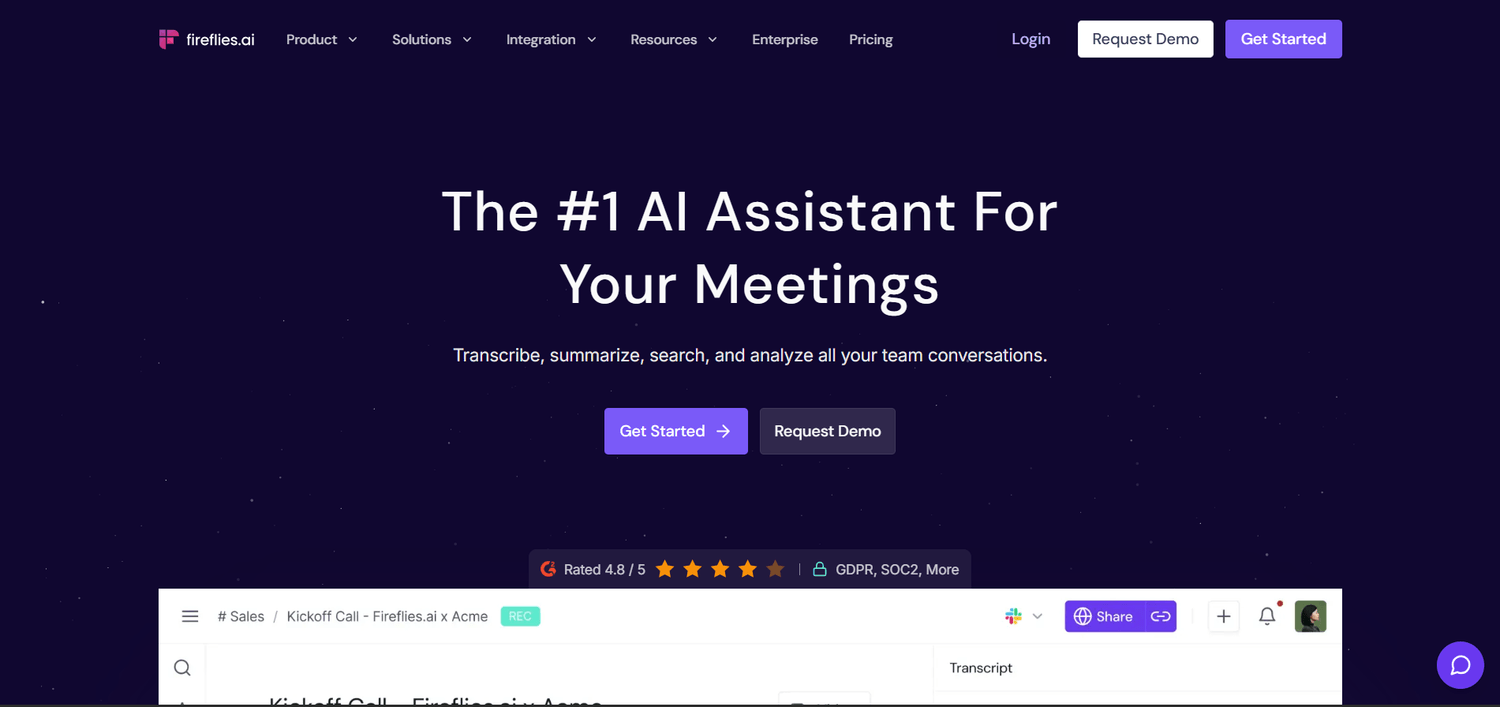
What it is. Fireflies.ai is an AI meeting assistant. Once you connect your calendar, a notetaker joins your Zoom, Google Meet, or Microsoft Teams calls as a participant, records the conversation, and turns it into a written transcript.
What it does. After each call, Fireflies produces a summary with the main points and a list of action items, so you can focus on the conversation instead of typing notes. Every meeting is saved and searchable: type a client's name or a word like "invoice" and jump to the moment it came up. AskFred, its built-in assistant, answers questions about past calls, such as "What did the client say about the deadline?" Tell people at the start that the call is being recorded. The notetaker shows up in the participant list, and some clients will ask about it.
Best for. Owners on several client calls a week who keep losing follow-ups in scattered notes.
Pricing. Free plan with unlimited transcription and basic summaries, but limited recording storage and no transcript downloads. Pro is $18/month per seat billed monthly ($10 annually) and adds 8,000 minutes of storage per seat, downloads, and video recording. Business costs $29/month ($19 annually).
Strengths
- +Summaries and action items arrive shortly after each call, with no setup per meeting
- +Past calls are searchable by keyword
- +Works with Zoom, Google Meet, and Microsoft Teams
Weaknesses
- –AskFred and advanced summaries use monthly AI credits (20 on Pro), which heavy users run out of
- –Some clients are uncomfortable with a recording bot on the call
- –Not worth paying for if you only have a few calls a month
Example use: After a 45-minute strategy call, tidy up the Fireflies summary and send it to the client as your recap email before you've moved on to the next task.
Grammarly
Writing checker
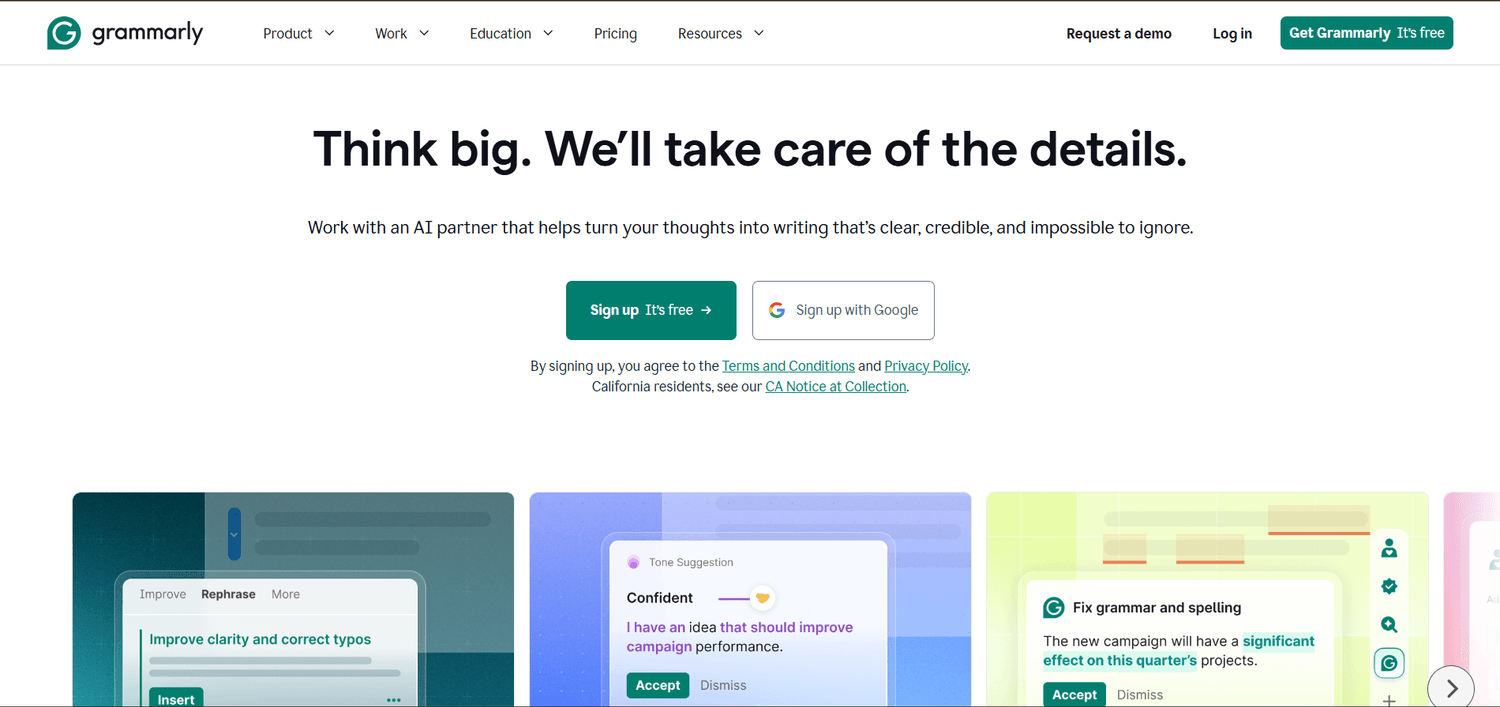
What it is. Grammarly is a writing checker that works wherever you type. After you install the browser extension or desktop app, it underlines mistakes in Gmail, Google Docs, LinkedIn, Slack, and most other text boxes, and suggests a fix you can accept with one click.
What it does. The free plan catches spelling, grammar, and punctuation errors and tells you how your tone comes across, for example whether an email sounds confident or apologetic. Its AI features rewrite text on request: shorten a paragraph, make it more formal, or turn a few bullet points into an email. Pro adds full-sentence rewrites for clarity, many more AI prompts, and plagiarism and AI-text detection, which helps if you hire freelance writers.
Best for. Owners who send client-facing writing with nobody else to proofread it.
Pricing. Free plan with core checks and 100 AI prompts a month. Pro is $30/month billed monthly, $20/month billed quarterly, or $12/month billed annually, with 2,000 AI prompts a month. That's the biggest monthly-versus-annual gap in this guide.
Strengths
- +Works in almost every app and browser tab rather than a separate editor
- +Flags tone problems a spellchecker would miss
- +The free plan covers the basics for most people
Weaknesses
- –Monthly billing costs two and a half times the annual rate
- –Suggestions can flatten a deliberately casual or blunt voice
- –Overlaps a lot with Claude or ChatGPT if you already use one to rewrite text
Example use: Write a proposal in Google Docs, accept the grammar and clarity fixes, and skip the tone suggestions that make it sound less like you.
Tidio

Customer support
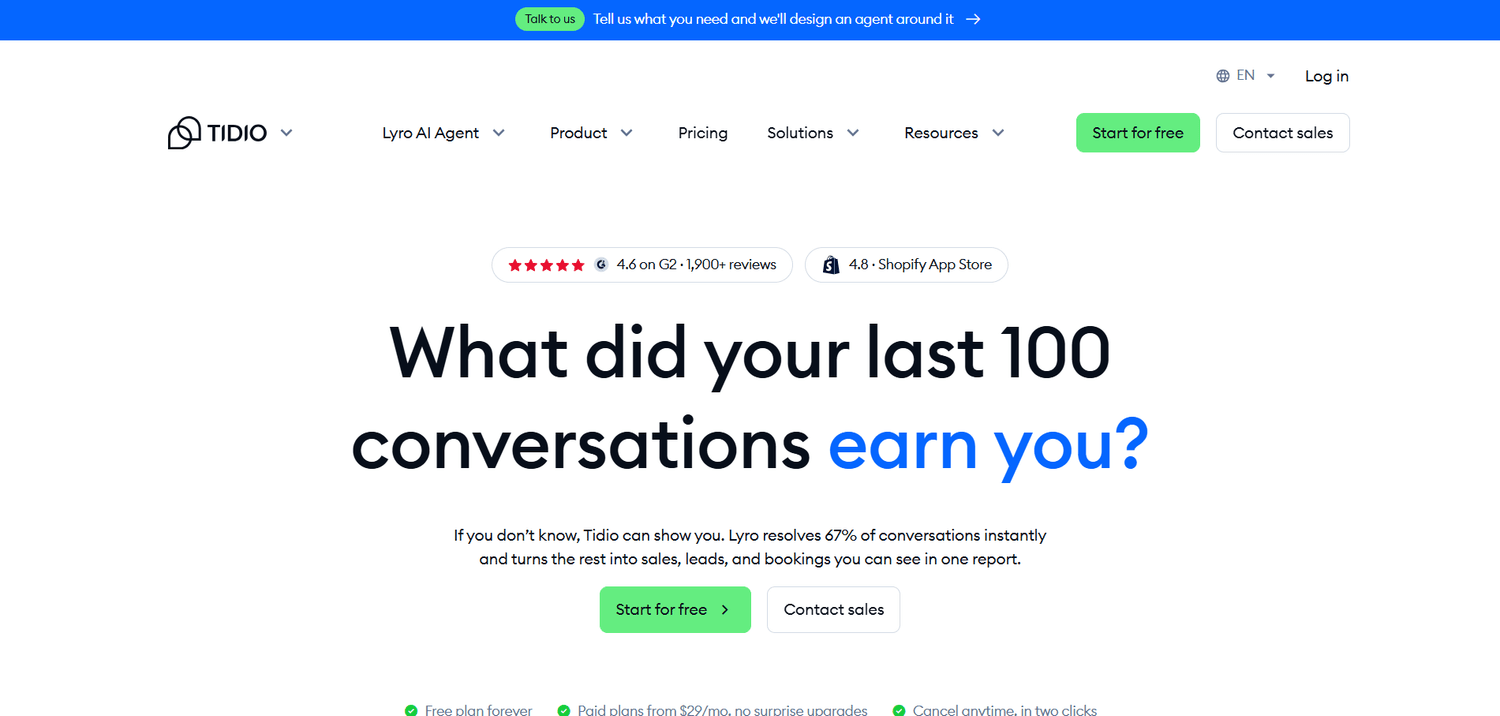
What it is. Tidio is a customer service tool for small online businesses. It adds a chat bubble to your website and collects messages from that chat, email, Facebook Messenger, Instagram, and WhatsApp into one inbox. Its AI agent, Lyro, answers customer questions without you.
What it does. You give Lyro your FAQ page, help articles, or policy text. When a visitor asks something like "How long does shipping to Canada take?", Lyro answers from that material within seconds, at any hour. When it can't answer, it passes the conversation to you. The quality depends entirely on what you feed it, so the real setup work is writing clear answers to your 10 to 20 most common questions.
Best for. Online stores and service businesses that get the same questions over and over, including outside working hours.
Pricing. Free plan with 50 conversations a month. Starter is $29/month billed monthly ($24.17 annually) and includes 100 conversations a month. Lyro is sold separately: the Free and Starter plans include a one-time allowance of 50 AI conversations, and after that the Lyro add-on starts at $39/month billed monthly ($32.50 annually). Budget about $68 a month for Starter with the AI agent on monthly billing.
Strengths
- +Answers routine questions instantly, day or night
- +Passes tricky conversations to a person
- +One inbox for website chat, email, and social messages
Weaknesses
- –The AI agent costs extra on top of the base plan
- –Costs climb as your conversation volume grows
- –Removing Tidio's branding from the chat widget is a paid add-on on lower plans
Example use: Load your shipping, sizing, and returns pages into Lyro so it handles those questions, while anything about a specific order still comes to you.
Jasper
Marketing content
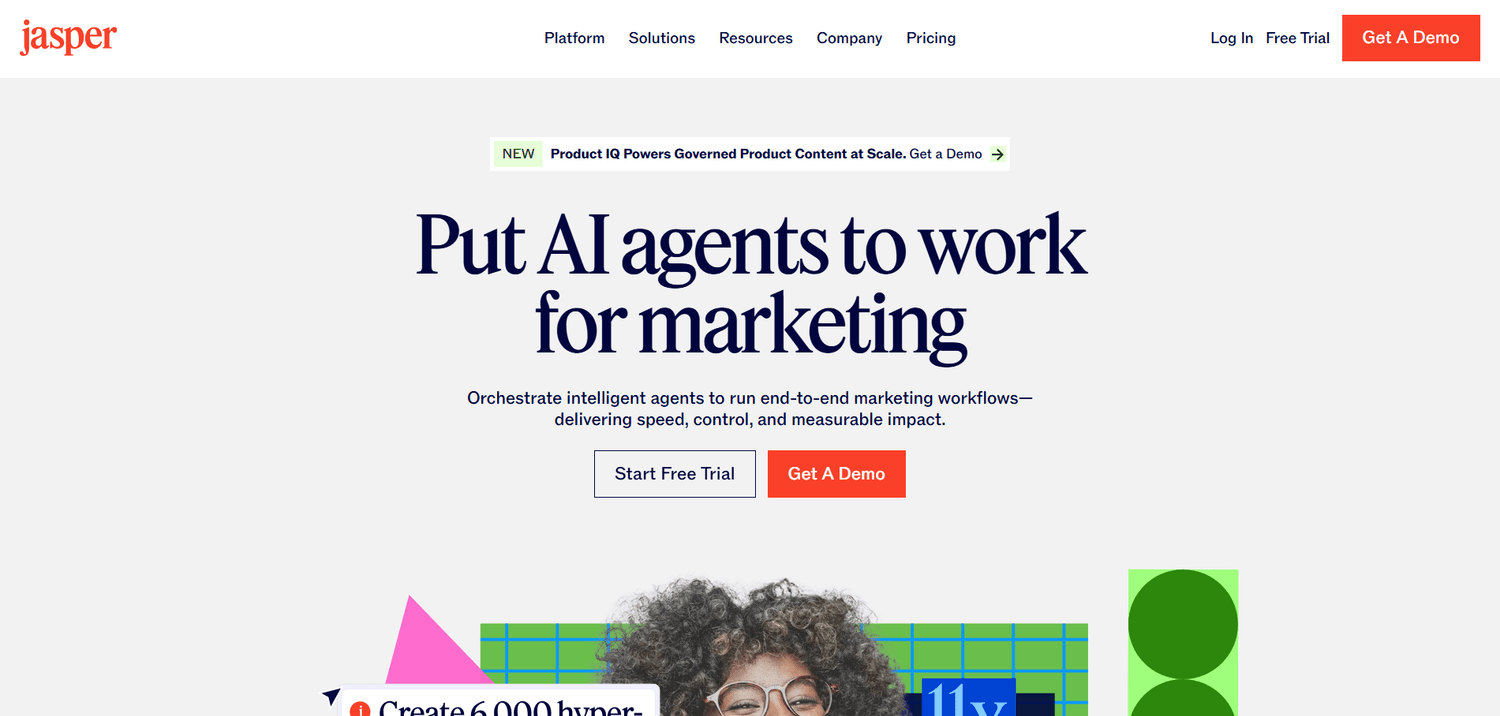
What it is. Jasper is an AI writing platform built for marketing. Where Claude and ChatGPT start with an empty chat box, Jasper starts with ready-made apps for specific marketing jobs: ad copy, product descriptions, email campaigns, social captions, and blog posts.
What it does. Its main feature is Brand Voice. You give Jasper samples of your existing writing or a style guide, and it writes new content in that voice. Knowledge assets store your product details, audience descriptions, and key messages, so drafts work from real facts about your business. Everything comes together in Canvas, the editor where you draft, edit, and organize campaigns.
Best for. Owners or small teams publishing marketing content several times a week who need it to sound consistent.
Pricing. No free plan, only a 7-day free trial of Pro. Pro is $69/month billed monthly ($59 annually) and includes unlimited word generation, 2 Brand Voices, and 5 Knowledge assets. Business pricing is custom.
Strengths
- +Keeps one brand voice across large batches of content
- +Templates for specific marketing formats save you writing prompts
- +Knowledge assets give drafts your actual product details to work from
Weaknesses
- –Costs more than three times Claude Pro or ChatGPT Plus
- –No free plan, just a one-week trial
- –Two Brand Voices on Pro is tight if you write for several brands or clients
Example use: Upload your five best product descriptions as a Brand Voice, then generate descriptions for 20 new products that match their style.
Building an AI stack for your type of business
No single tool here runs a whole business. The right mix depends on which job costs you the most time. These four combinations fit the most common small-business setups, with costs on monthly billing.
Solo consultants and service providers
Claude Pro for proposals and client emails, Fireflies Pro for call notes, and Grammarly Pro for anything sent under your name. That's $68 a month billed monthly ($20 + $18 + $30), or about $39 a month if you pay annually for all three.
Online stores and product sellers
Canva Pro for product and ad graphics, Tidio Starter with the Lyro AI agent for customer questions, and Zapier's free plan for simple connections between your store and other apps. That comes to about $86 a month ($18 + $29 + $39). Zapier's paid plan adds $29.99 once you need multi-step automations.
Course creators and content-heavy solopreneurs
Claude or ChatGPT Plus for drafting lessons, emails, and posts, plus Notion's free plan for your content calendar and procedures. That's $20 a month. Add Jasper once you publish often enough to need a locked-in brand voice, and the total becomes $89.
Freelancers managing several clients
Perplexity Pro for client and market research, Notion Plus to keep each client's files and notes separate, and Zapier Professional to automate intake and onboarding. That's about $62 a month ($20 + $12 + $29.99).
Across these setups, two or three tools cost between $20 and $90 a month on monthly billing. The quickest way to lower that is switching to annual billing once you've used a tool for two or three months and know you'll keep it. The biggest annual savings in this guide are Grammarly (60% off), Fireflies (44%), and Zapier (33%).
AI tool pricing compared
Once you've narrowed it down to two or three tools, this table shows what each free plan includes and what paying adds.
| Tool | Free plan | Cheapest paid plan | What paying adds |
|---|---|---|---|
| Claude | Yes, with usage limits | Pro: $20/mo ($17 annual) | At least 5x Free usage, unlimited Projects, Research mode |
| ChatGPT | Yes, with usage limits | Go: $8/mo | About 10x Free's limits on Go (may show ads); Plus at $20/mo adds the flagship model, custom GPTs, and no ads |
| Perplexity | Yes, daily cap on advanced searches | Pro: $20/mo (about $17 annual) | More in-depth searches, choice of AI model |
| Canva | Yes, templates and 5 GB storage | Pro: $18/mo | Premium library, Brand Kit, Background Remover, Magic Resize |
| Notion AI | Yes, AI as a limited trial | Plus: $12/mo ($10 annual) | Unlimited uploads on Plus; full AI needs Business at $24/mo ($20 annual) |
| Zapier | Yes, 100 tasks, two-step Zaps only | Professional: $29.99/mo ($19.99 annual) | 750+ tasks, multi-step Zaps, premium apps, webhooks |
| Fireflies.ai | Yes, limited storage, no downloads | Pro: $18/mo ($10 annual) | 8,000 minutes of storage, downloads, video recording |
| Grammarly | Yes, core checks and 100 AI prompts | Pro: $30/mo ($12 annual) | 2,000 AI prompts, clarity rewrites, plagiarism and AI-text detection |
| Tidio | Yes, 50 conversations a month | Starter: $29/mo ($24.17 annual) | 100 conversations a month; the Lyro AI agent is an add-on from $39/mo |
| Jasper | No, 7-day trial only | Pro: $69/mo ($59 annual) | Unlimited words, 2 Brand Voices, 5 Knowledge assets |
The bottom line
Most solo owners need two or three of these tools, not ten. Start with Claude or ChatGPT. Both cost $20 a month on their main plans, and both cover the writing, summarizing, and research that make up most small-business AI use.
Then add one tool for your biggest time drain. Pick Perplexity if research keeps eating afternoons, Canva if design does, Fireflies if follow-ups slip after client calls, and Tidio if the same support questions arrive every night. Jasper is worth its $69 a month only once you publish marketing content several times a week. Zapier and Notion AI usually come last, when you already use a few tools and need to connect them or keep everything in one place.
Budget $20 to $90 a month on monthly billing, then switch the tools you keep to annual billing to bring that down.
Write it, research it, design it. Sell it here.
The AI tools above help you create. systeme.io is where that work turns into sales. Its free plan includes 2,000 contacts, 3 sales funnels, unlimited emails, and 1 online course, with no credit card required. Draft your copy in Claude, make the graphics in Canva, and publish the funnel before you pay for anything.
Common questions about AI tools for small business
For most owners, a general assistant: Claude or ChatGPT. Their main paid plans cost $20 a month and cover drafting, summarizing, and research, which is what most small businesses use AI for. Try both free plans for a week, keep the one you prefer, and add a specialist tool only when one specific job is still eating your time.
Both are AI chat assistants that write, summarize, and answer questions. Claude is especially good with long documents and natural-sounding writing, and its Projects feature keeps your business files ready in every chat. ChatGPT also creates images, handles voice conversations, and has a cheaper $8 Go plan. Most small businesses only need one of them.
For most of these tools, yes. Claude, ChatGPT, Perplexity, Canva, Notion, Grammarly, and Fireflies all have free plans you can do real work on. Zapier's free plan only runs simple two-step automations, and Tidio's covers 50 conversations a month. Jasper has no free plan, only a 7-day trial.
Two or three tools cost roughly $20 to $90 a month on monthly billing. An online store that pays for an AI chat agent and a paid Zapier plan can go past $110. Once you know you'll keep a tool, annual billing usually cuts its price by 15% to 60%.
They can take over part of an assistant's work, such as first drafts, meeting notes, early research, and routine customer questions, but someone still has to review the output. McKinsey's 2023 report on the economic potential of generative AI estimated that the technology could, in principle, automate activities taking up 60% to 70% of employees' time. Real use is more modest: in the U.S. Chamber of Commerce Foundation's 2026 survey, only 6% of small-business workers using AI said they use it to run workflows with little human involvement.
Check each tool's privacy or data settings before you paste in contracts, invoices, or customer details. Several assistants, including ChatGPT and Claude, let you control whether your conversations are used to improve their models, and business plans generally keep your data out of training by default. If you're unsure, remove names and account numbers before pasting.
Claude, ChatGPT, Perplexity, Canva, and Grammarly only need a free account, and you can get useful results in under 10 minutes. Zapier and Tidio take longer because each needs setup before it helps: Zapier needs your first automation built and tested, and Tidio needs a written FAQ for its AI agent to answer from.
None of these ten tools sells anything for you. They help you write, research, design, and automate. systeme.io is where that work gets published and sold: the sales funnel, email list, online course, and checkout that your AI-drafted copy and Canva graphics go into.


